
If you already make long videos, podcasts or live streams, you are sitting on dozens of short clips. Doing it by hand means watching everything, cutting, reframing to vertical and adding captions. AI does most of that in minutes, and you keep the final say.
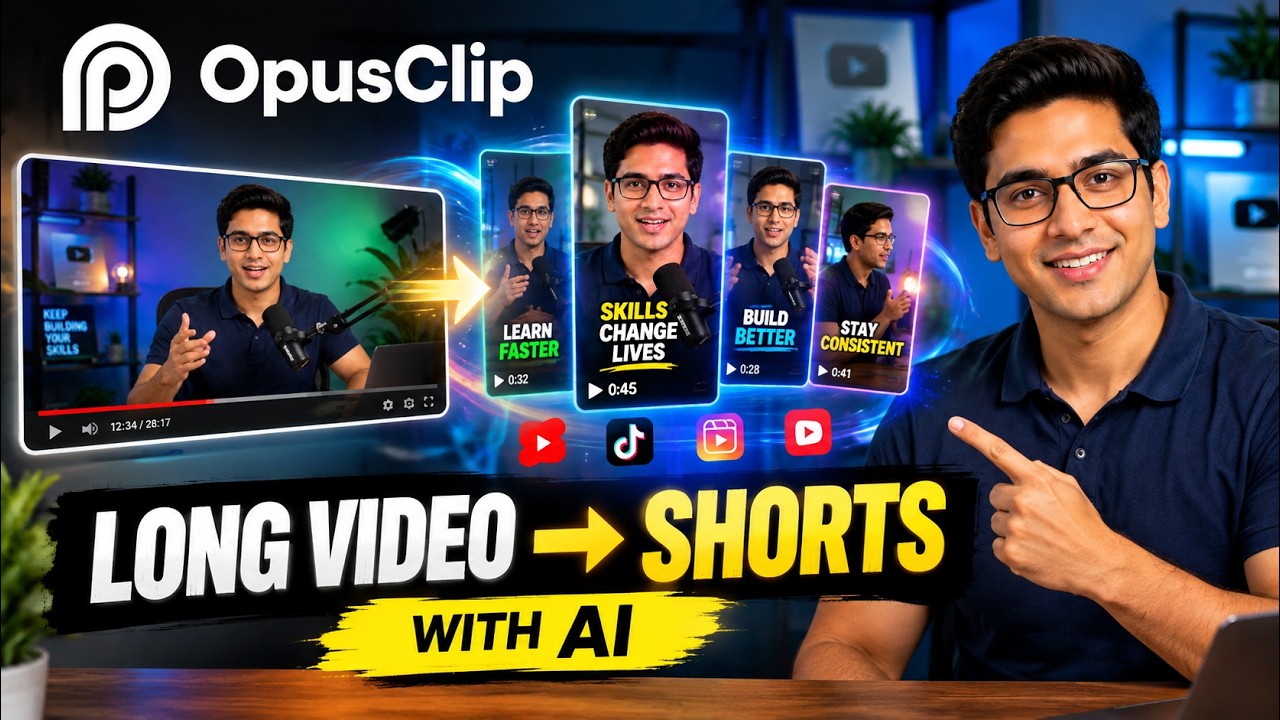
The four steps
Pick a long video worth clipping
Not every video clips well. The best ones have clear opinions, stories, surprising numbers or a strong reaction. Interviews and podcasts are perfect. A tutorial where you click through menus for 20 minutes is not. Start with your most watched long video: it already proved people care.
Let AI find the best moments
Paste the link or upload the file. The tool finds moments that work on their own, cuts them to 30 to 90 seconds, reframes them to vertical and keeps the speaker in the middle. You get a list of clips, often with a score for how likely each one is to hold attention.
Do not post everything. Watch the top ten and keep the ones that make sense to someone who never saw the full video.

Fix the start and add captions
The first two seconds decide everything. Trim the start so the clip begins on the strongest line, add a short title on screen and make sure the captions are big and easy to read. Check names and numbers in the captions, AI still mishears them.


Why short clips work so well
A long video asks for 20 minutes of someone's time. A clip asks for 30 seconds. That is why clips are the easiest way for new people to find you: they see one strong moment, then click through to the full video or your profile. You already did the hard work when you recorded, clipping simply gives the best parts a second life.
Good clips have one idea, one emotion or one surprising fact. If you need to explain what happened before, the clip is not ready. Cut it so it starts at the moment of tension and ends right after the answer.
What people say
Users like how easy it is and say their reach grew after posting clips regularly. The common complaints are failed uploads, credits that expire after a year and limited manual control over captions and edits.
Trustpilot · OpusClip, 4.0/5 from 512 reviews (Nov 2026)Editing by text is the favorite feature: delete a word in the transcript and it disappears from the video. Some reviewers say transcripts still need manual fixes and cuts are not always as precise as they want.
G2 · Descript, 4.6/5 from 938 reviews (Nov 2026)Common mistakes
- Posting every clip the AI suggests. The score is a guess. You know your audience better, so keep the clips you would watch yourself.
- Captions with wrong names. AI mishears names, brands and numbers. Read every caption before posting.
- The same text on every platform. TikTok, Reels and Shorts audiences react to different first lines. Write a new hook for each.
- Faces cut off in vertical. Check that auto-reframe keeps the speaker in the middle, especially when two people talk.
How we picked the tools
Each step uses a tool that does that job well: finding moments, fixing captions and making covers. The list updates itself from our directory as new clip tools are added, ordered by free plan, price and popularity on MYRTHAL. No tool pays to be listed.