
AI image tools range from artistic generators to design tools and free apps that run on your own computer. The best one depends on whether you need beautiful art, quick designs, ads or sharper photos.
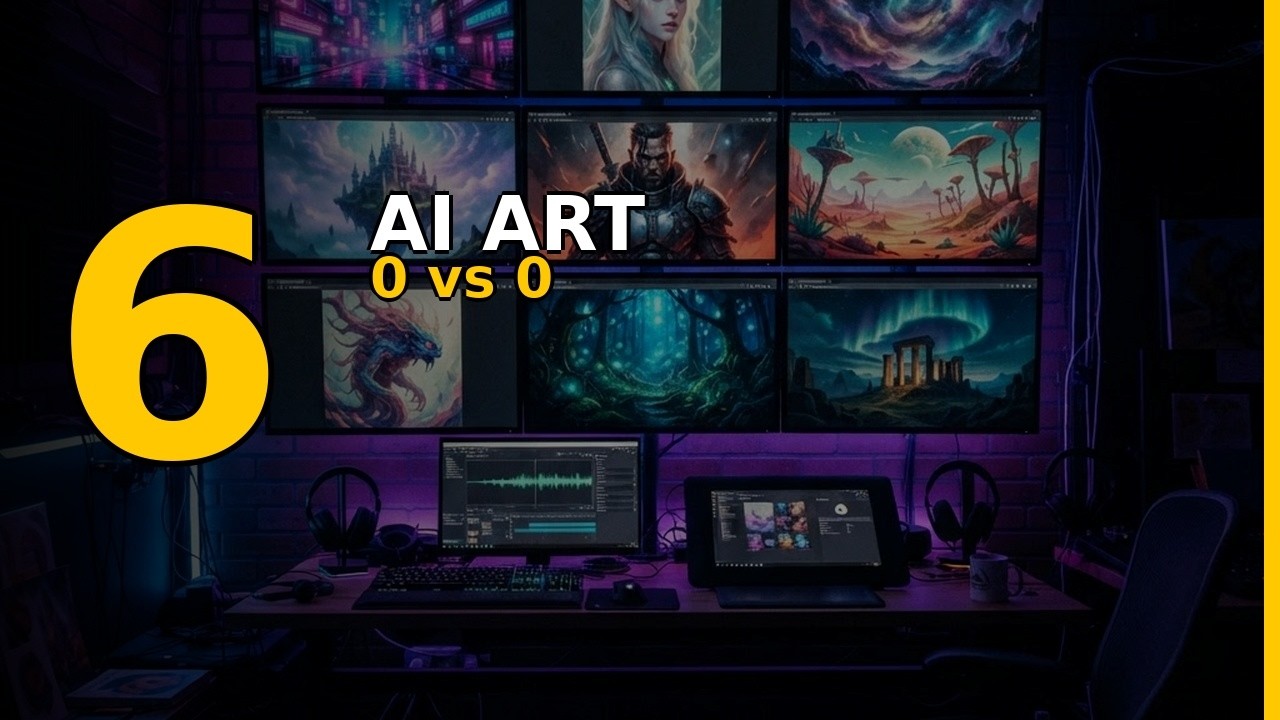
Which kind do you need?
Strong style and detail for illustrations, concepts and thumbnails.
ReviewVisit
Generate an image and finish the design with text and branding in one place.
ReviewVisit
Five things to check
- Style control: can you reuse a style or reference image?
- Text in images: many tools still struggle with letters.
- Commercial rights: especially on free plans.
- Credits: how many images per month.
- Privacy: are your images public by default?
What people say
Users like doing images and design in one place. Some say the AI image tools still need improvement.
Capterra · Canva, 4.7/5 from 13,537 reviews (Nov 2026)Common mistakes
- Ignoring licenses for ads and client work.
- Realistic images of real people or brands. Avoid them.
- Printing low-resolution images. Upscale first.
How we picked the tools
We grouped tools by the kind of image work they do best, including free local tools. The tools come from our directory and update automatically as new tools are added, ordered by free plan, monthly price and how often MYRTHAL visitors open them. Prices are checked against the official pricing pages every month. No tool pays to be listed, and an affiliate link never changes which tools we pick.