
HOW TO CHOOSE · GUIDE

How to choose a YouTube AI tool

Editing, voice, Shorts or faceless video? Choose the YouTube AI tool that fits your channel and know the rules first.Editing, voice, Shorts or faceless video: choose right.

YouTube AI tools help with four big jobs: editing, voice-over, Shorts and videos without filming. Very few creators need all four. Look at where your hours go each week, then choose the tool for that job.
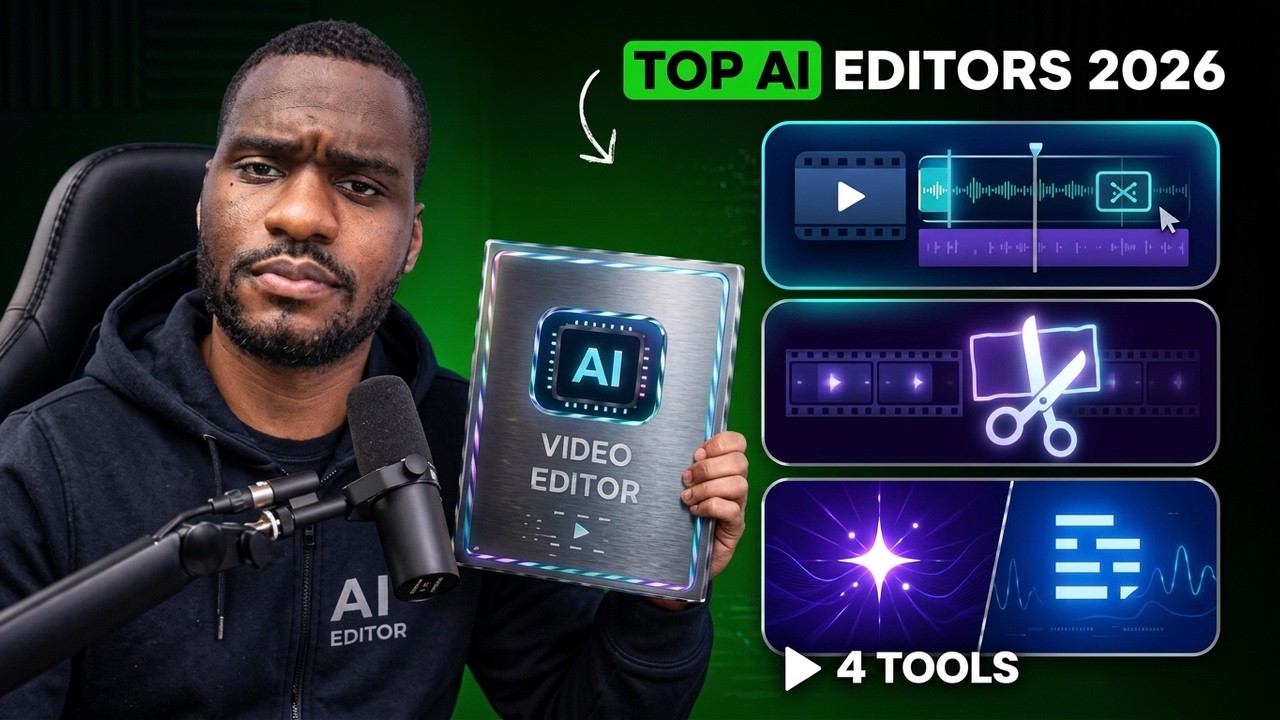
Watch4 Best AI Video Editors for YouTube Shorts in 2026On YouTube · plays only when you press play

Which kind do you need?

You film and edit yourself
DescriptEdit video and podcasts as easily as editing a documentFree plan · From $24/mo

Edit by text, remove filler words and clean the sound.

ReviewVisit
You need a voice-over
ElevenLabsLifelike AI voices, voice cloning and dubbing in 30+ languagesFree plan · From $6/mo

Natural AI voices for narration, intros and translations.

ReviewVisit
You want more Shorts
OpusClipTurn one long video into a dozen short clipsFree plan · From $15/mo

Turns long videos into vertical clips with captions.

ReviewVisit
You make faceless videos
InVideoTurn a simple idea into a ready-to-post video with AIFrom $9/mo

Script to video with stock footage, voice and captions.

ReviewVisit

YouTube rules to know

  • Disclosure: realistic altered or synthetic content must be labeled when you upload.
  • Monetization: since July 2025 YouTube is stricter about mass-produced, repetitive content.
  • Shorts length: Shorts can now be up to three minutes long.
  • Licenses: music, voices and stock footage must allow monetized use.

What people say

Creators love text-based editing and filler word removal. Some want more precise cuts and better integrations.

G2 · Descript, 4.6/5 from 938 reviews (Nov 2026) 

Reviewers praise natural voices and quick script fixes. Credits run out fast during revisions.

G2 · ElevenLabs, 4.5/5 from 1,296 reviews (Nov 2026) 

Common mistakes

  • Buying a faceless tool for a talking-head channel. Match the tool to your format.
  • Not labeling realistic AI content.
  • Using free-plan output in monetized videos without checking the license.

How we picked the tools

We grouped tools by the four main YouTube jobs. The tools come from our directory and update automatically as new tools are added, ordered by free plan, monthly price and how often MYRTHAL visitors open them. Prices are checked against the official pricing pages every month. No tool pays to be listed, and an affiliate link never changes which tools we pick.

Sources

Written by Nenad Cvetkovski Updated · Checked : tools, prices, links and video are up to date. Prices come from each tool's pricing page and are checked every month.

Common questions

What is the best AI tool for YouTube?

An AI editor for most creators, because editing takes the most time. Faceless channels need a text-to-video tool and a voice tool.

Can AI videos be monetized on YouTube?

Yes, if they add original value and follow YouTube's rules. Mass-produced, repetitive videos can lose monetization.

Do I have to label AI content on YouTube?

Realistic altered or synthetic content must be disclosed when you upload.

Is an AI voice OK for YouTube?

Yes, on plans that allow commercial use. Listen to the full voice-over before publishing.

How long can YouTube Shorts be?

Up to three minutes. Shorter clips are often watched to the end more often.

Which tool should a new YouTuber pay for first?

Usually the editor. Start free and pay when it clearly saves hours.

Not sure which AI tool you need? Answer 4 quick questions and get the 3 tools that fit your job and budget. Take the quiz
AI TOOL QUIZ

Which AI tool is right for you?

Loading…