
Most of the time behind a YouTube video goes into editing, not filming. That is exactly where AI helps most. These picks cover the full job, from the first idea to the Short that brings people to the long video.

Edit your video like a text document: delete a sentence from the transcript and it is cut from the video. Filler words and pauses go away in one click.
ReviewVisit
Turns one long video into many vertical clips with captions, so every upload also feeds Shorts.
ReviewVisit

For voice and faceless videos
Voices and AI video


A simple weekly workflow
- Plan and script the video with an AI assistant using your own notes.
- Record, then edit by text and remove filler words.
- Cut three Shorts from the finished video.
- Make two thumbnails and test them.
Where AI saves YouTubers the most time
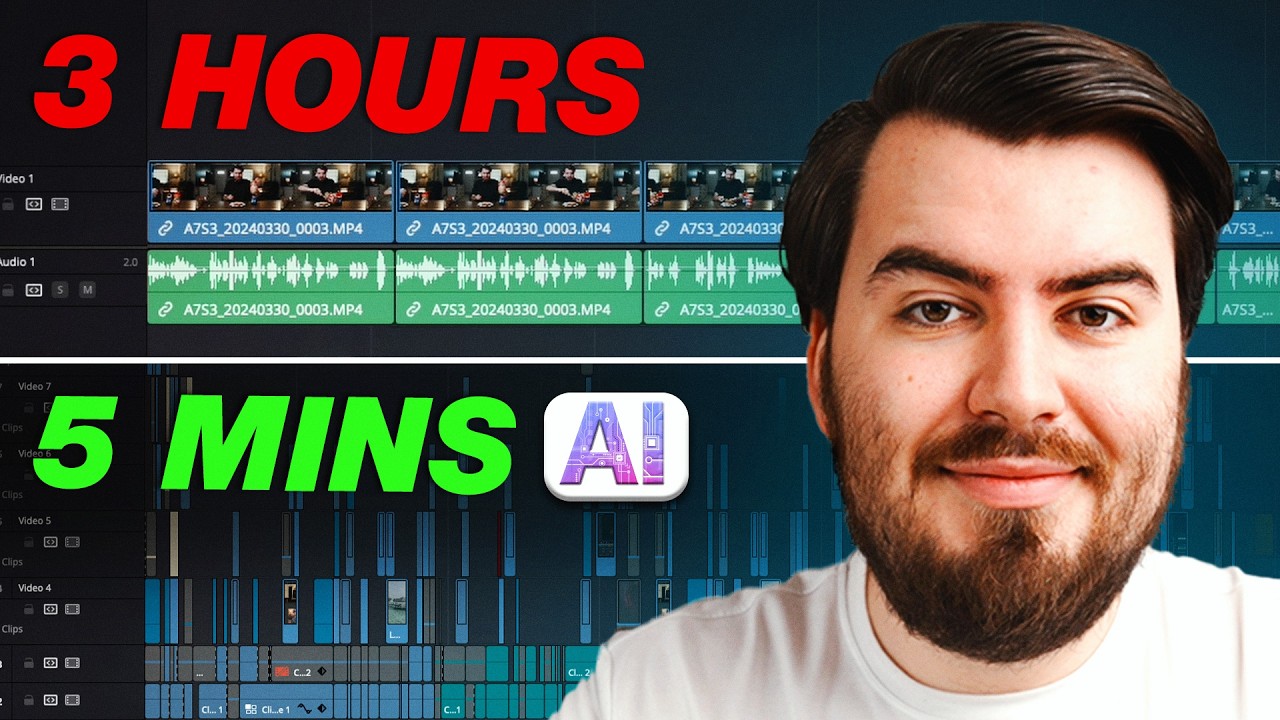
Editing is the big one. Removing filler words, long pauses and false starts by hand can take longer than the recording itself. Text-based editors do it in minutes. The second big win is Shorts: one long video can feed your Shorts shelf for a week if a clip tool finds the strong moments.
Ideas and titles come third. Give a chat assistant your five best videos and ask for new angles on the same topics, then check which ones people actually search for.
What people say
YouTubers praise text-based editing, filler word removal and the big time savings. Some say transcripts need fixes and they want smoother cuts and more integrations with other editors.
G2 · Descript, 4.6/5 from 938 reviews (Nov 2026)Many users report more reach and views after posting clips. Complaints focus on failed uploads, slow replies from support for some users and credits that expire.
Trustpilot · OpusClip, 4.0/5 from 512 reviews (Nov 2026)Common mistakes
- Buying four tools in the first month. Start with the editor. Add the next tool only when you feel a clear gap.
- Fully AI-made videos with no personal angle. Since July 2025 YouTube is stricter about mass-produced, repetitive content in the Partner Program.
- Not labeling realistic AI scenes. YouTube asks creators to disclose realistic altered or synthetic content when uploading.
- Ignoring captions. Many people watch with the sound off. Check the AI captions for names and numbers.
How we picked the tools
We started from what YouTubers actually do every week, then chose one strong tool per job. Editing and Shorts come first because that is where most hours go. The picks come from our directory and update automatically as new tools are added, ordered by free plan, monthly price and how often MYRTHAL visitors open them. Prices are checked against the official pricing pages every month. No tool pays to be listed, and an affiliate link never changes which tools we pick.